Discover. Save. Plan.
Never lose a place you wanted to go.
Share a spot you love on Instagram, TikTok or YouTube with go2where. The places land on your map and you plan the route in a few taps.
In three steps
You don’t even need to open the app to save a place.
-
1
Share
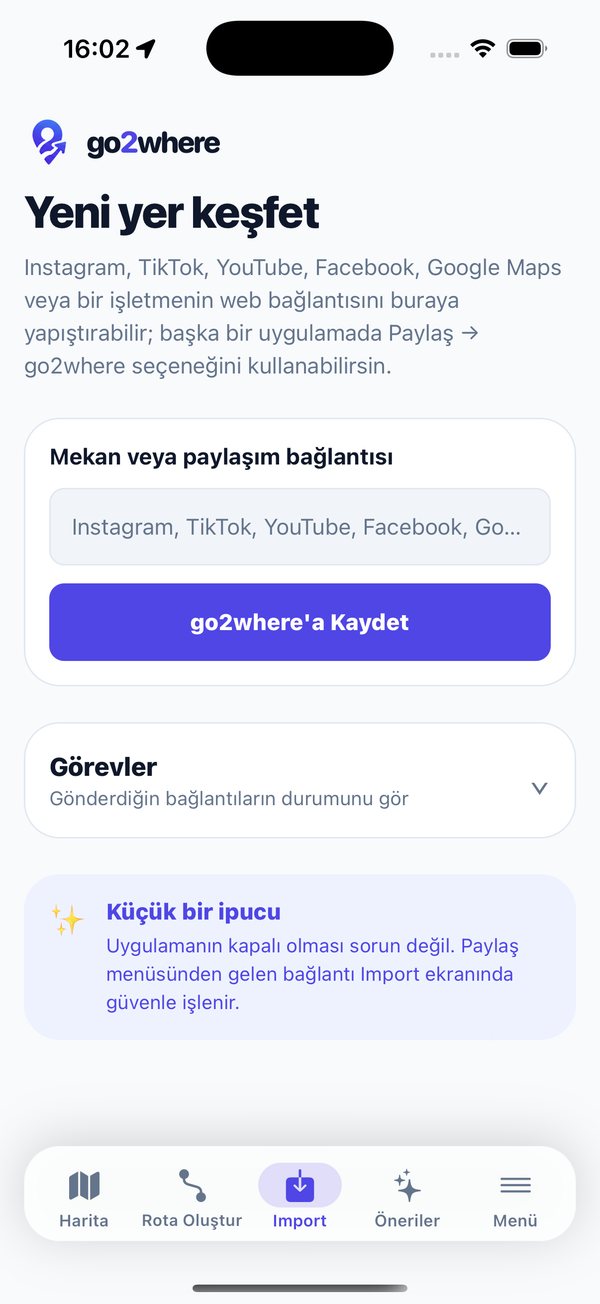
Tap Share → go2where on a post, video or web page, or paste the link on the Import screen.
-
2
go2where finds the places
The places in the link are recognised and saved with their location. If a post lists several places, all of them come in, in order.
-
3
See them on your map, plan the route
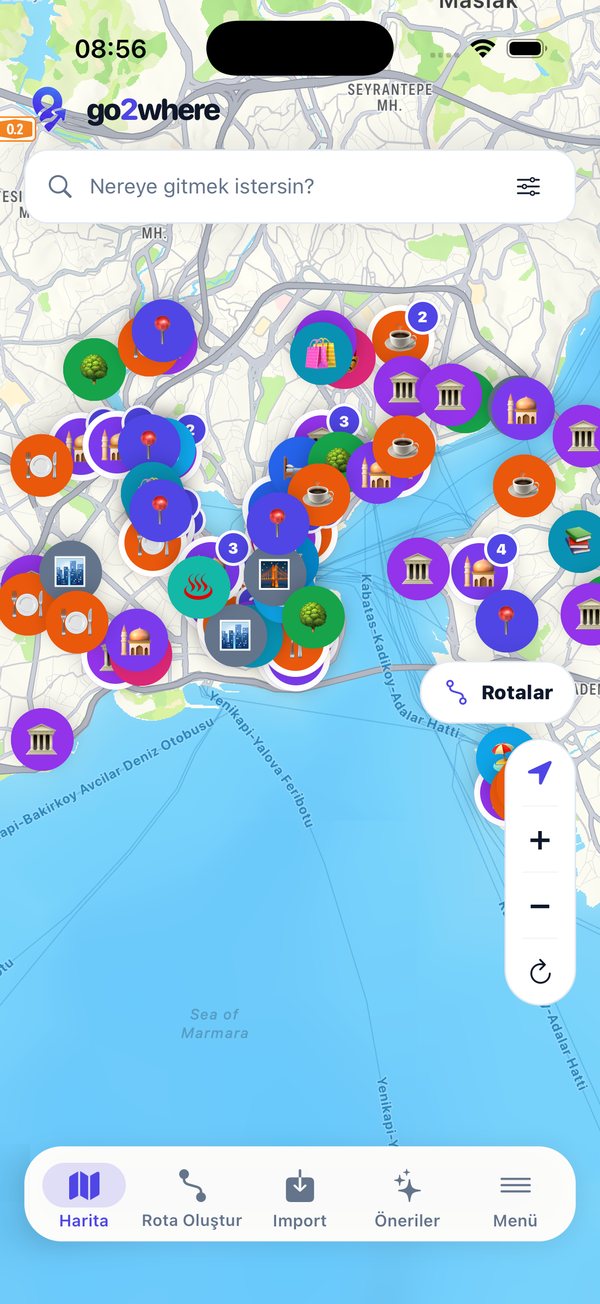
Your saved places appear on the map by category. Pick them, order them, get directions.
Your whole trip in one app
-
Save places from links
Instagram, TikTok, YouTube, Facebook, Google Maps or a business website: just share the link.
-
All on one map
Food, history, nature, art… every place you save, coloured by its category.
-
Build routes
Pick places, set the order and get directions. Add the plan to your calendar if you like.
-
Live route recording
Record your walk or trip. Raw location data stays on your phone until you choose to save it.
-
Suggestions for you
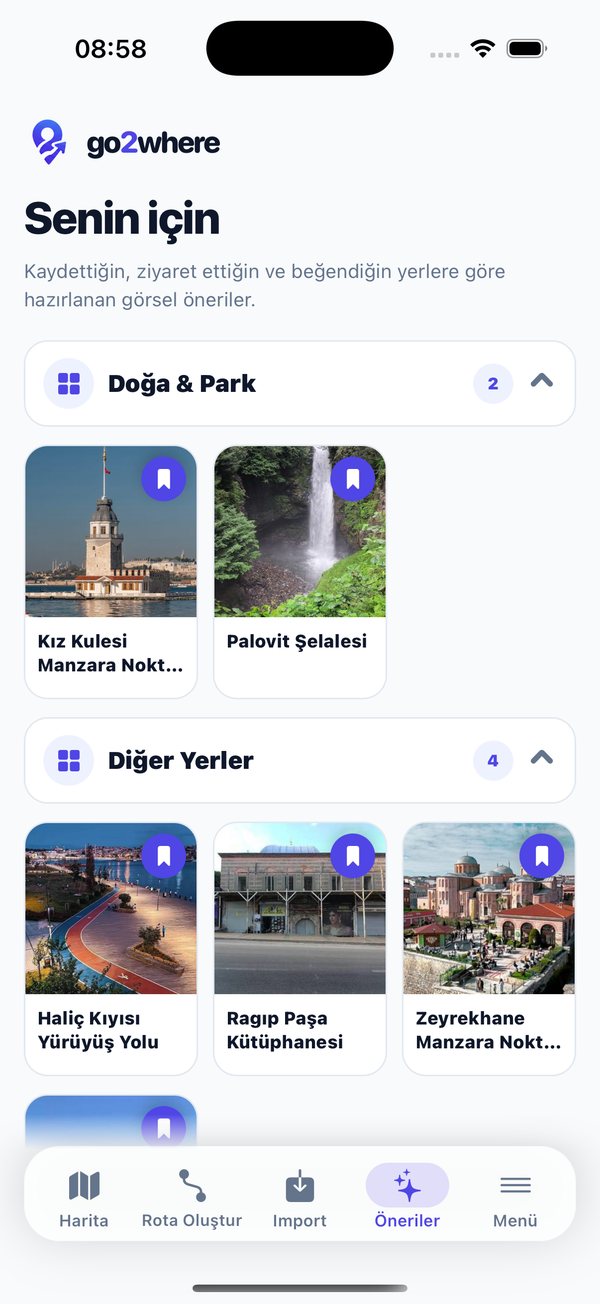
Visual suggestions based on the places you saved, visited and liked.
-
Travel with friends
Share collections and routes, plan group routes and share your location for a set time if you want.
-
Nearby place alerts
Get a heads-up when you’re close to a place you want to visit. The check runs only on your phone.
-
Collections
Favourite cafés, a weekend list, a city guide: group your places however you like.
Inside the app
Your data is yours
- We don’t show ads.
- We don’t sell your data.
- We don’t track you across other apps and websites.
- You can delete your account from the app at any time.